 Shopify App Store
Buyer messages
Change the messages buyers see when Checkout Address Validator stops Shopify checkout, with built-in wording in 33 languages and your own per language.
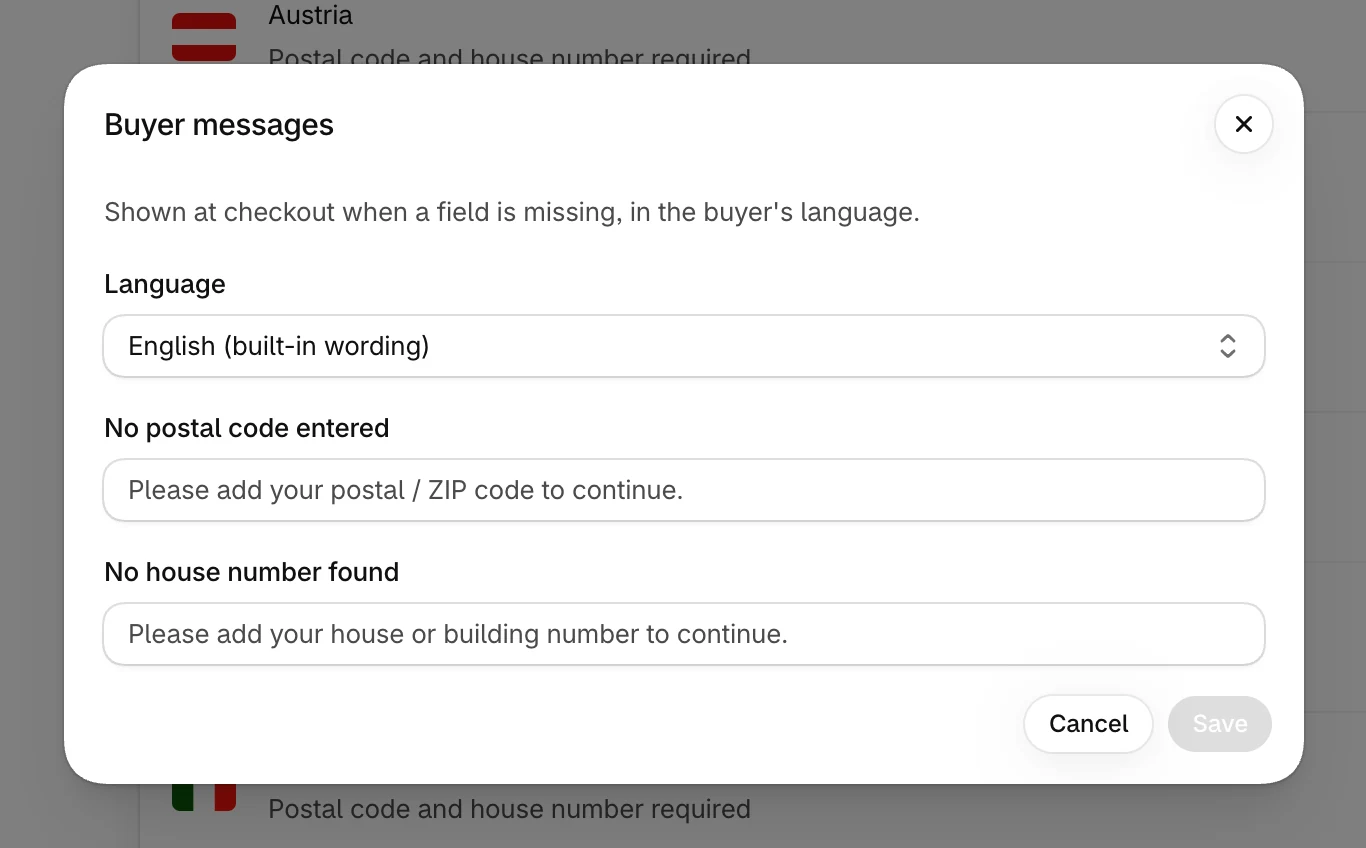
When a field is missing, the buyer sees a message in the checkout's language. In English, the built-in wording is:
| Missing | Message |
|---|---|
| Postal code | Please add your postal / ZIP code to continue. |
| House number | Please add your house or building number to continue. |
Built-in languages
The app has built-in wording in 33 languages: Arabic, Bulgarian, Chinese (Simplified and Traditional), Croatian, Czech, Danish, Dutch, English, Estonian, Finnish, French, German, Greek, Hebrew, Hungarian, Indonesian, Italian, Japanese, Korean, Latvian, Lithuanian, Norwegian, Polish, Portuguese (Portugal and Brazil), Romanian, Slovak, Slovenian, Spanish, Swedish, Thai, Turkish, Ukrainian and Vietnamese.
Changing the wording
- 1
Open Buyer messages
Select Buyer messages at the top of the Overview.
- 2
Pick a language
The list shows every language your store publishes, plus English. Each language shows your wording, built-in wording or incomplete.
- 3
Write both messages
Fill in No postal code entered and No house number found. Empty fields show the built-in wording. Fill in both for a language, or leave both empty to keep the built-in wording.
- 4
Save
Select Save. The new wording is used at checkout right away.
To go back to the built-in wording for a language, select Use default, then Save.
Which wording a buyer sees
The app uses the first of these that exists for the checkout's language:
- Your wording for the exact language, such as Portuguese (Brazil)
- Your wording for the language, such as Portuguese
- The built-in wording for that language
- Your English wording
- The built-in English wording