 Shopify App Store
Display
Choose how Delivery Date shows dates to Shopify buyers: a range or a single date, the date format for every language, and the countdown to the cut-off.
The Display page on the Overview sets how the date reads everywhere buyers see it. The look of the blocks on your product and cart pages is set in the theme editor. See Block settings.
Style
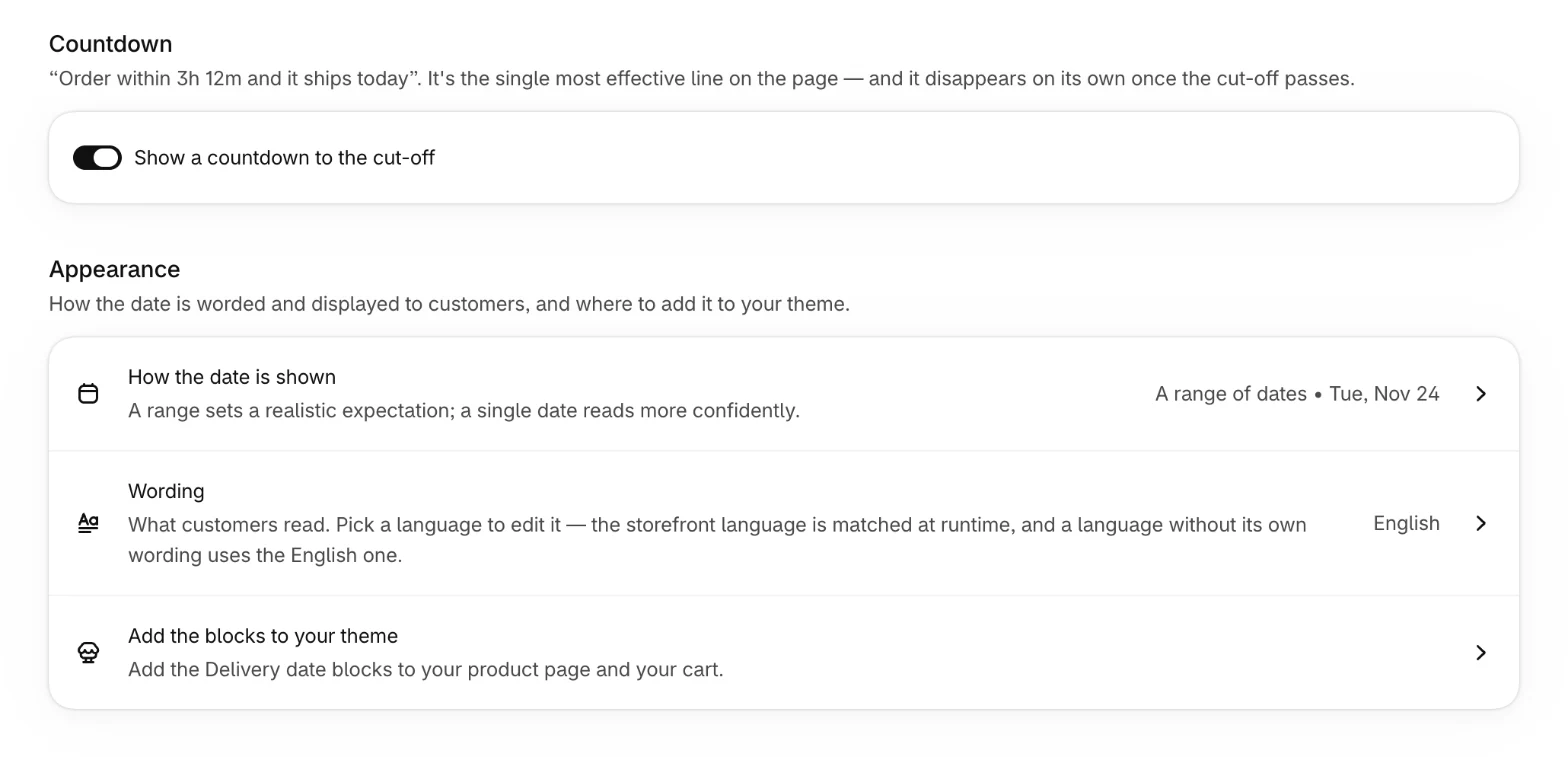
Under How the date is shown, choose a Style. A range sets a realistic expectation, a single date reads more confidently.
| Style | In English |
|---|---|
| A range of dates | Delivery between Tue, Aug 4 and Thu, Aug 6 |
| One date — the earliest | Delivery by Tue, Aug 4 |
| One date — the latest | Delivery by Thu, Aug 6 |
A range of dates is the default. When the earliest and the latest date fall on the same day, buyers see one date, even with a range.
Date format
Choose a Date format. It applies to every language and follows each language's conventions, so the order and the names of day and month change with it:
| Date format | English | German |
|---|---|---|
| Tuesday, 4 August | Tuesday, August 4 | Dienstag, 4. August |
| Tue, 4 Aug | Tue, Aug 4 | Di., 4. Aug. |
| 4 August | August 4 | 4. August |
| 4 Aug | Aug 4 | 4. Aug. |
| 04.08.2026 | 08/04/2026 | 04.08.2026 |
Tue, 4 Aug is the default.
Countdown
Show a countdown to the cut-off adds a second line while the order can still leave today, such as "Order within 3h 12m to ship today". It's on from the start, and it saves as soon as you switch it.
The countdown shows only when every product leaves today, on the product page, in the cart and in checkout. At any other time, and while the countdown is off, the second line shows the day the order ships, such as "Ships Tue, Aug 4". The Thank you and Order status pages show no second line.
Saving
Select Save in the window you changed. The new display shows on the next page load.