 Shopify App Store
Pause and uninstall
Pause Address Validator's checkout block with one setting, or uninstall the app. Your rules stay saved, and nothing is left behind in your theme.
Pause the checks
Pausing turns the checks off without uninstalling the app. You turn them back on with the same setting.
- 1
Open the setting
On the Overview, select Block incomplete addresses.
- 2
- 3
Save
Select Save in the bar at the top. The badge next to Overview changes to Off.
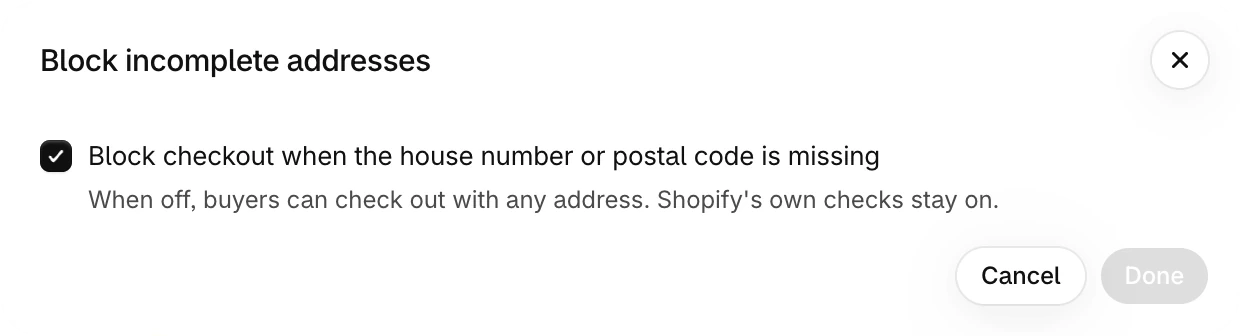
Buyers can then check out with any address, and Shopify's own address checks stay on. Your rules and messages stay saved. To start the checks again, turn the setting back on and save.
Use the app's setting, not Shopify's
The Delivery address checks rule under Settings → Checkout follows the app's setting. If you turn the rule off there, the app turns it back on the next time you open the app or your plan changes.
Uninstall
When you uninstall the app, Shopify cancels your plan and the app deletes the session it kept for your store. There is nothing to clean up in your theme, because the app doesn't change it. See Billing for how the plan ends.