 Shopify App Store

Shopinator Cart Validator
Order limits for Shopify checkout
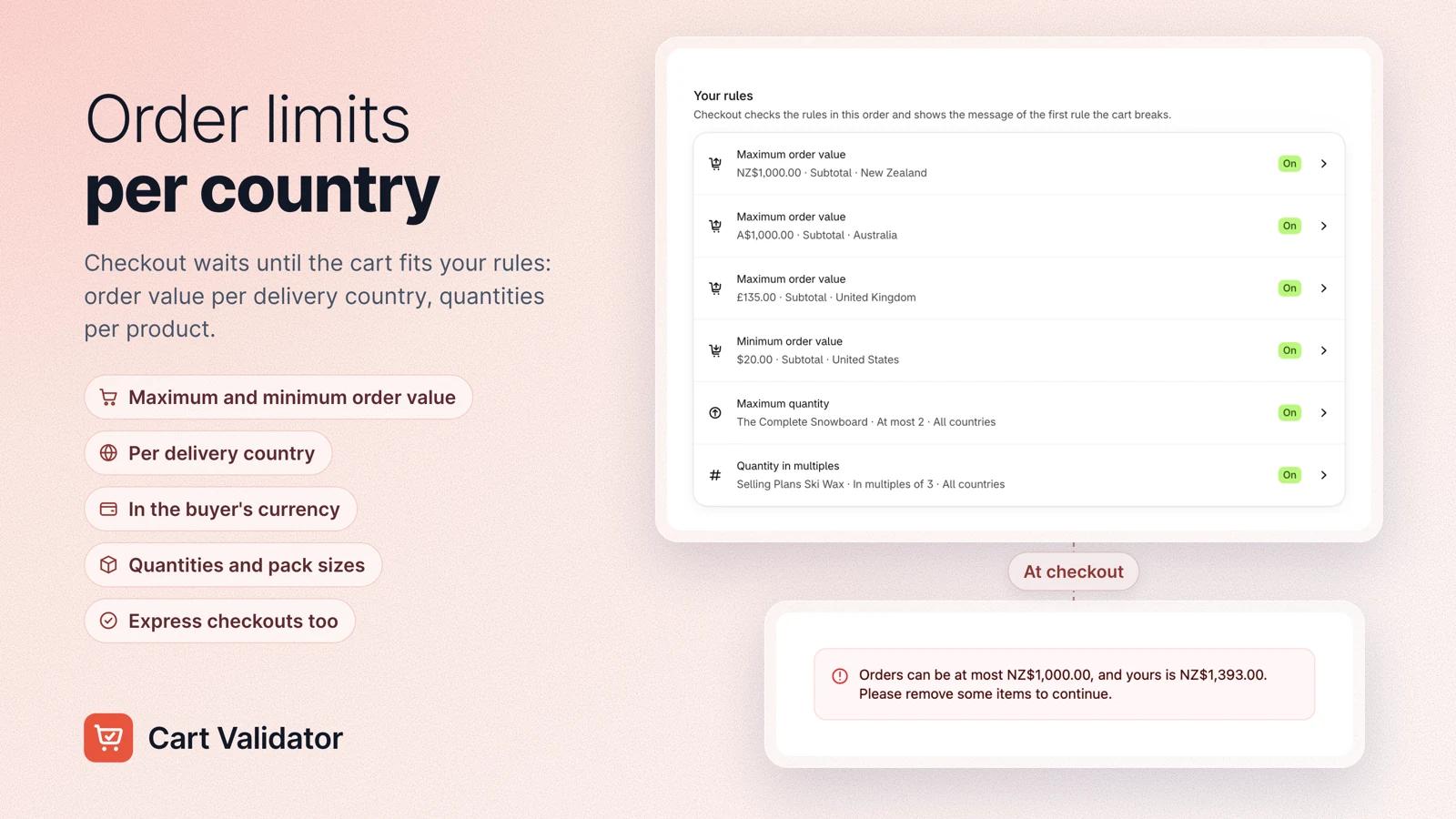
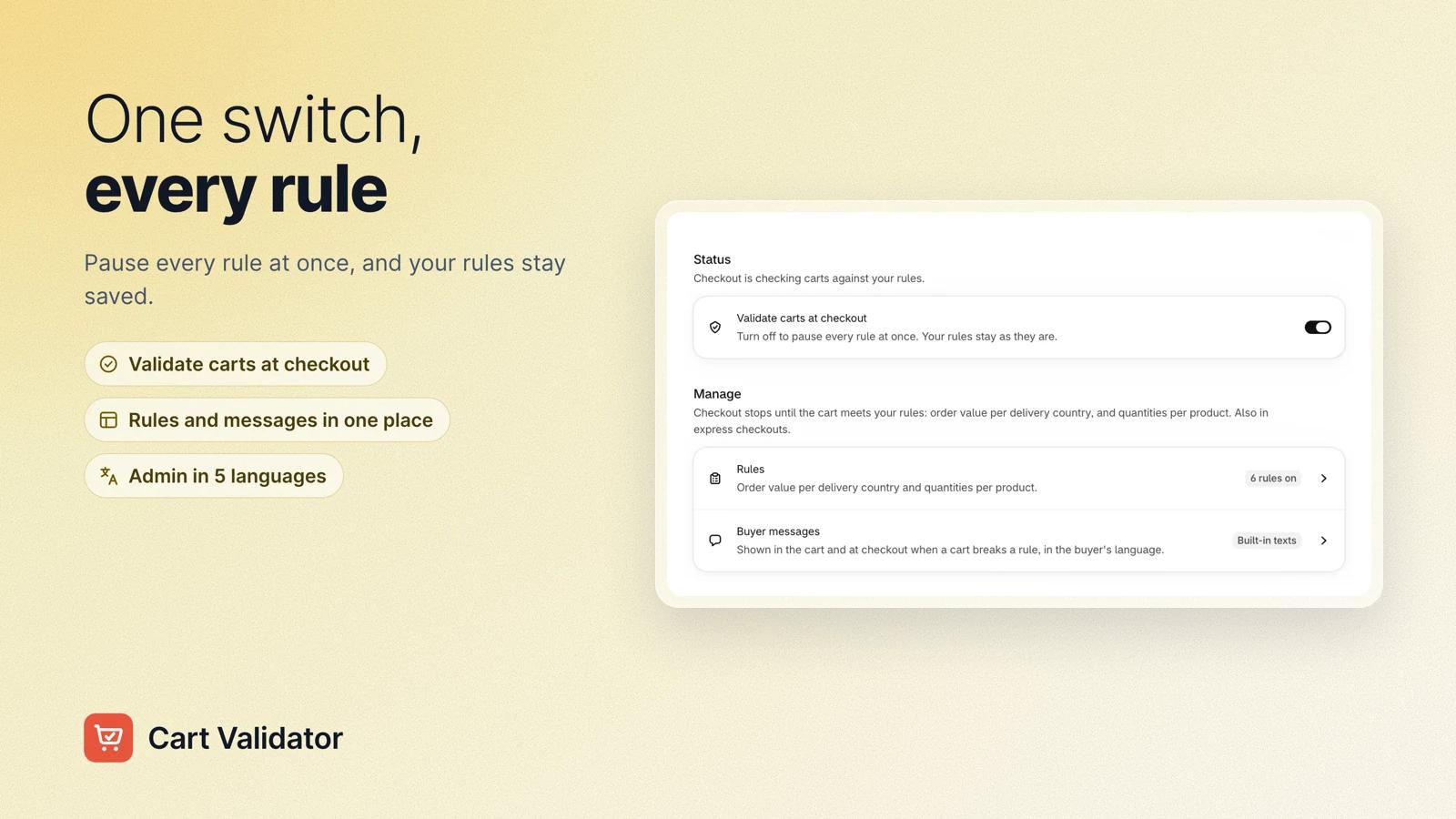
Cart Validator stops checkout until the cart meets your rules: a maximum or minimum order value per delivery country, in the buyer's currency, and quantity limits per product, in the regular checkout and in express checkouts.
Questions merchants ask.
Only on Shopify Plus, and only one for the whole store: Shopify's Checkout Blocks app sets a minimum and maximum order subtotal in your store currency and converts it for each buyer. Cart Validator sets a maximum order value per delivery country, in the currency of that country's market, and needs no Shopify Plus. Choose the countries and the highest order value, and checkout stops when an order is worth more. The buyer sees your message and can remove items to continue.
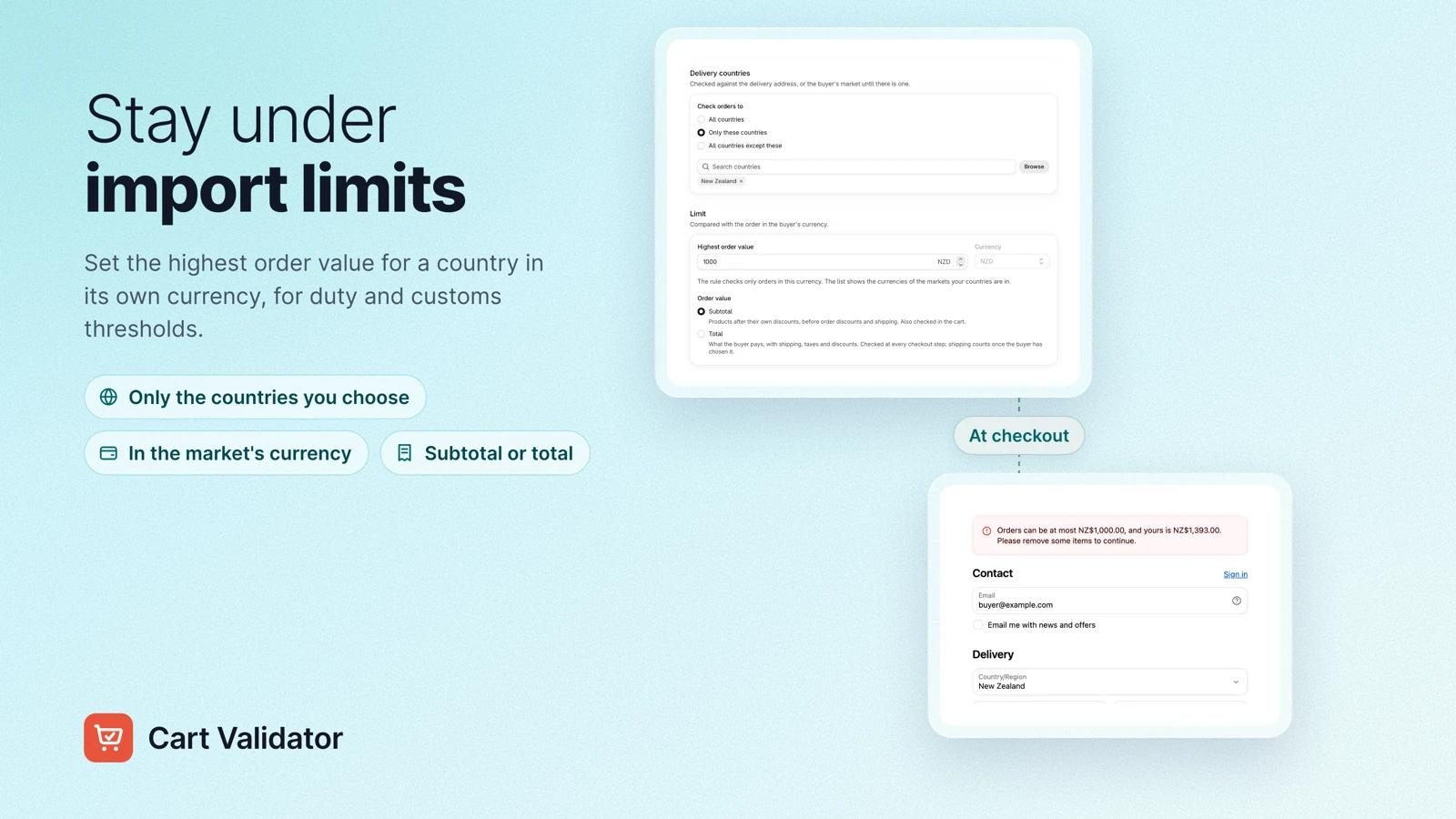
Many countries charge duties or ask for extra customs paperwork above a set value, for example above A$1,000 in Australia or NZ$1,000 in New Zealand. Add a Maximum order value for the country in its market's currency, and orders above it can't be placed, so you don't refund an order or get back a parcel held at customs. These thresholds apply to the value of the goods without international shipping, so the Subtotal is the closer match. Check the country's current threshold and your carrier's rules before you set the limit.
Add a Minimum order value rule. It compares either the Subtotal, which is the products after their own discounts, or the Total, which is what the buyer pays with shipping and taxes, and checkout waits until the order reaches your minimum. Buyers see, for example, “The minimum order value is $20.00, and yours is $12.50. Please add more items to continue.” Set one minimum for every country, or a different one per country in its currency.
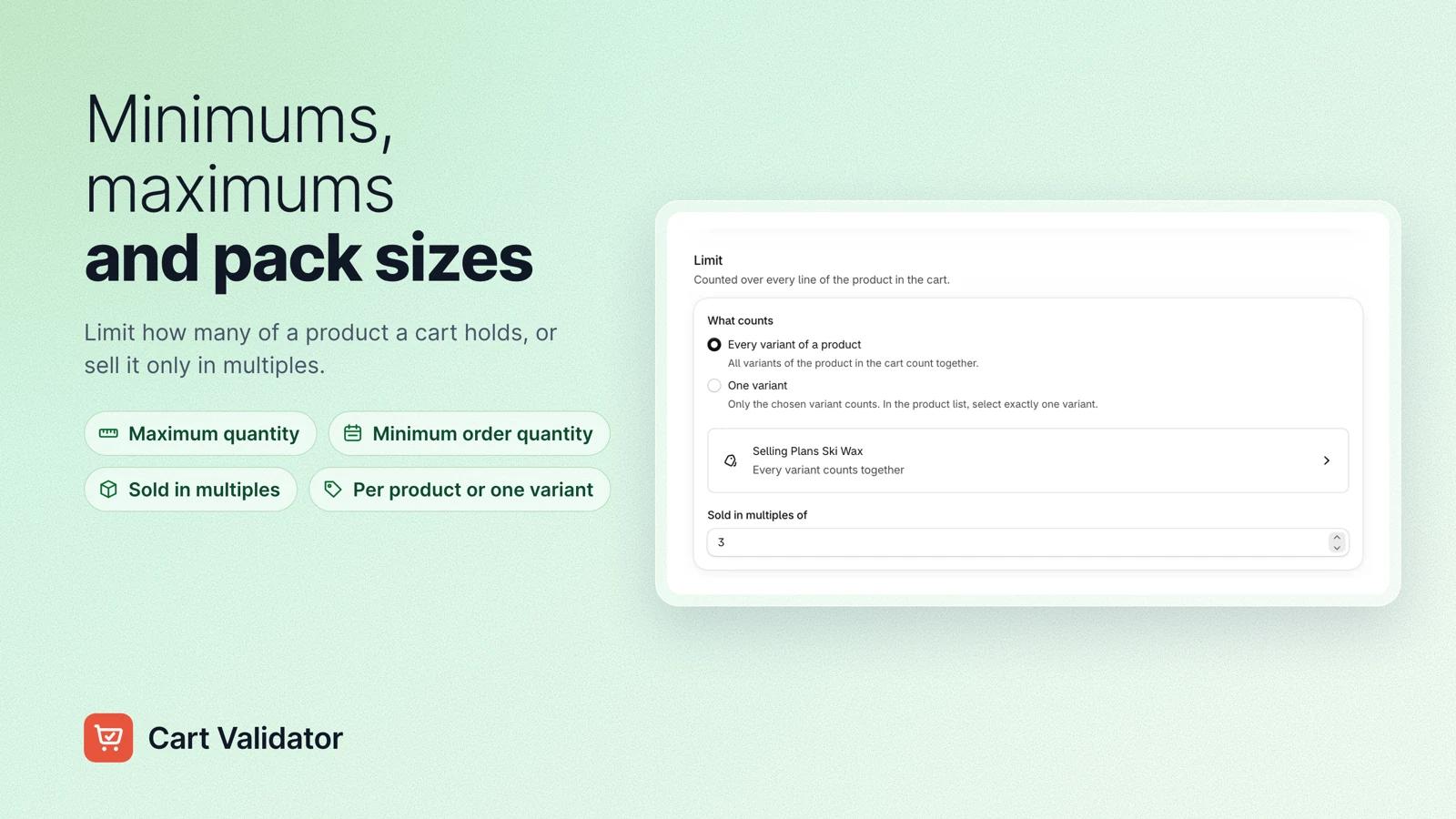
Yes. Maximum quantity caps a product per order, Minimum quantity sets a minimum order quantity (MOQ), and Quantity in multiples sells a product in pack sizes, such as 6, 12 or 18. A rule counts every variant of a product together, or one variant on its own. Checkout waits until the quantity fits and tells the buyer what to change.
Yes. Each rule applies to all delivery countries, only the ones you choose, or all except them, and to all customers, only customers with certain tags, such as wholesale, or everyone except them. Guests have no tags. Checkout checks the rules in order and shows the message of the first rule a cart breaks.
One currency per rule, chosen from the currencies of your markets. A rule checks only orders in that currency, so a limit of NZ$1,000 applies to buyers who pay in New Zealand dollars. To limit a country in a second currency too, add a second rule.
Yes. The rules run as a Shopify Function inside checkout, and Shopify doesn't complete a checkout while the Function reports an error, express checkouts included. Point of sale orders, subscription renewals, pre-orders and try-before-you-buy orders, order edits and orders created through the API aren't checked.
Because a cart over a limit could get stuck: Shopify checks every cart change against the cart it leads to, and removing one item may not bring the cart under the limit yet. So Cart Validator lets every cart change through and stops at checkout. Its cart block shows the message on the cart page before the buyer gets there, worked out in the browser from your rules. Rules on the Total and rules limited by customer tag are checked at checkout only, because the cart doesn't know the shipping yet and your customer tags stay private.
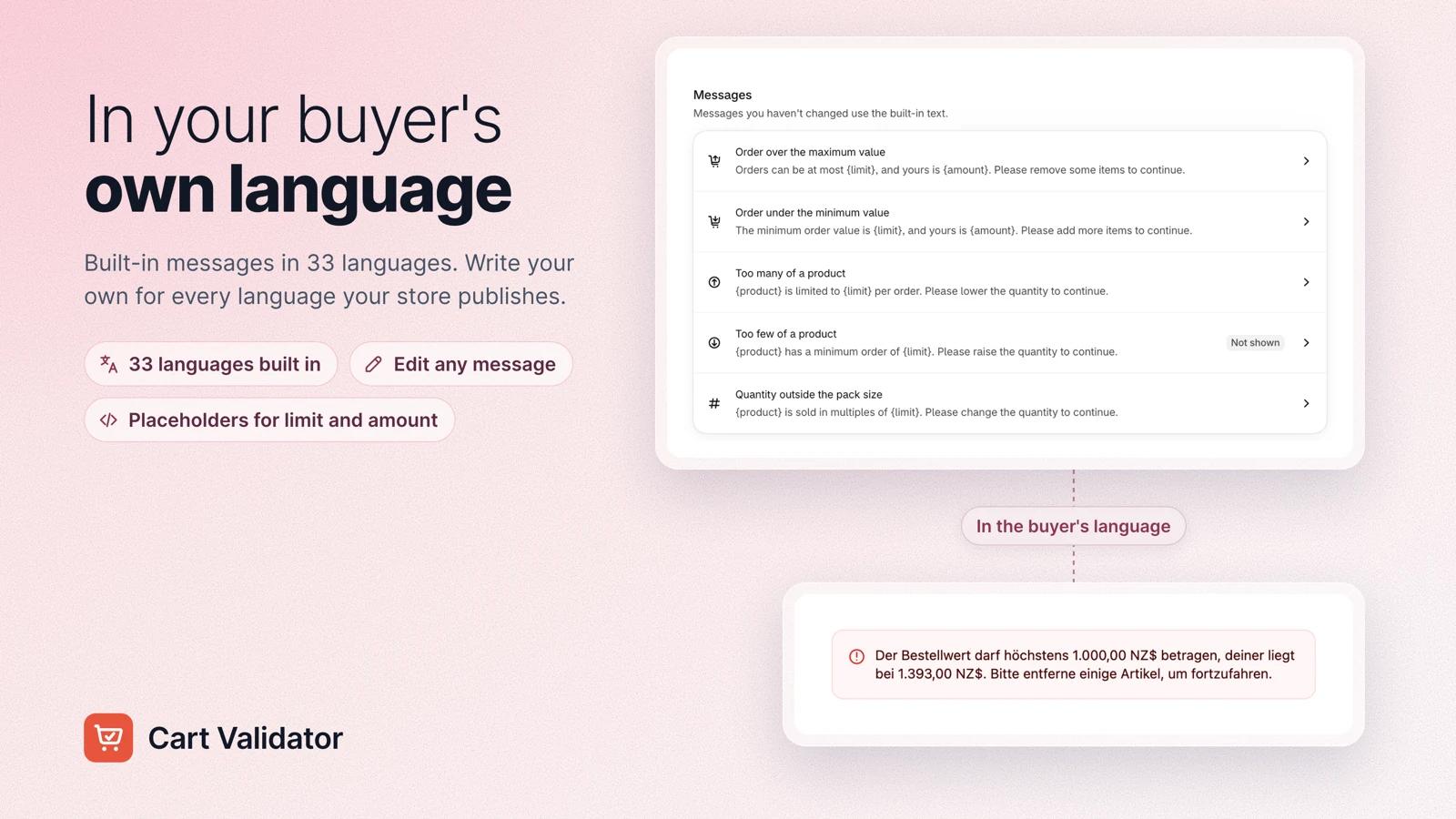
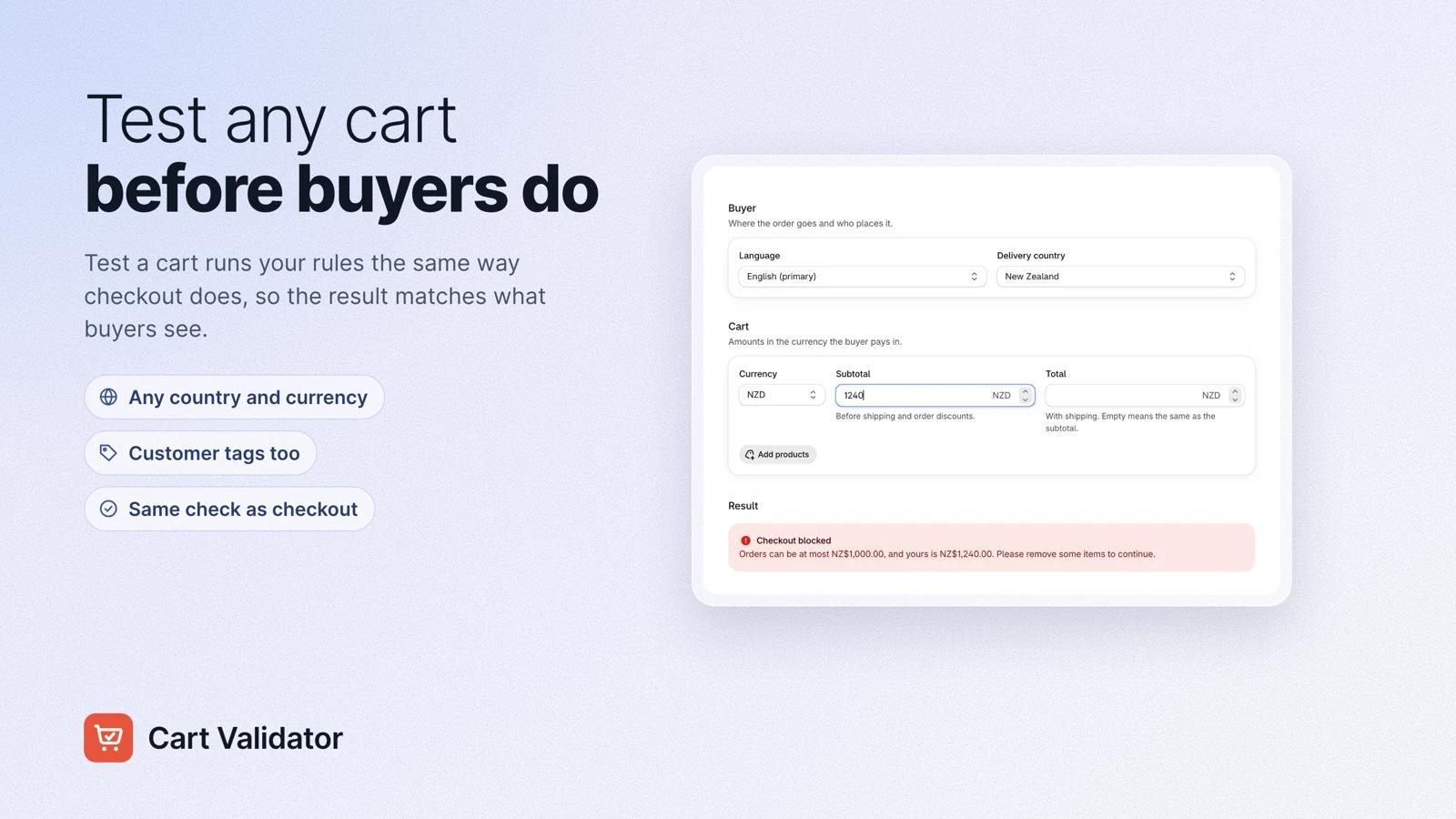
A message in the cart and at checkout, in their language, with your limit and the cart's value or quantity filled in, for example “Orders can be at most NZ$1,000.00, and yours is NZ$1,240.00. Please remove some items to continue.” The app has built-in text for buyers in 33 languages, from Arabic and Chinese to Polish, Turkish and Vietnamese. In Buyer messages you can change any message for any language your store publishes, with placeholders for the product, your limit, the order value or quantity in the cart, and the delivery country, and every message you leave alone keeps its built-in text. Where a language has neither, buyers see your English text, or the built-in English.
Yes. Test a cart, at the top of the app's Overview, runs a delivery country, customer tags, an order value and products through your saved rules with the same check as checkout. The result shows Passes, or Checkout blocked with the exact message the buyer would see. It runs in your browser, so nothing is sent anywhere.
No. The rules run as a Shopify Function, and Shopify lets stores on every plan except Starter use App Store apps with Functions. The cart block needs an Online Store 2.0 theme; without it, checkout still checks every rule.
No. The check runs inside Shopify's checkout and calls none of our servers, so there's no extra request to wait for. If the check can't run, for example because it times out, checkout continues.
$6.99 a month or $69 a year, billed through Shopify, with a 7-day free trial. The plan includes every feature, and checkout starts checking carts when you choose it.
Still have a question?